
Simple Folder System for Vital Records and Medical Documents
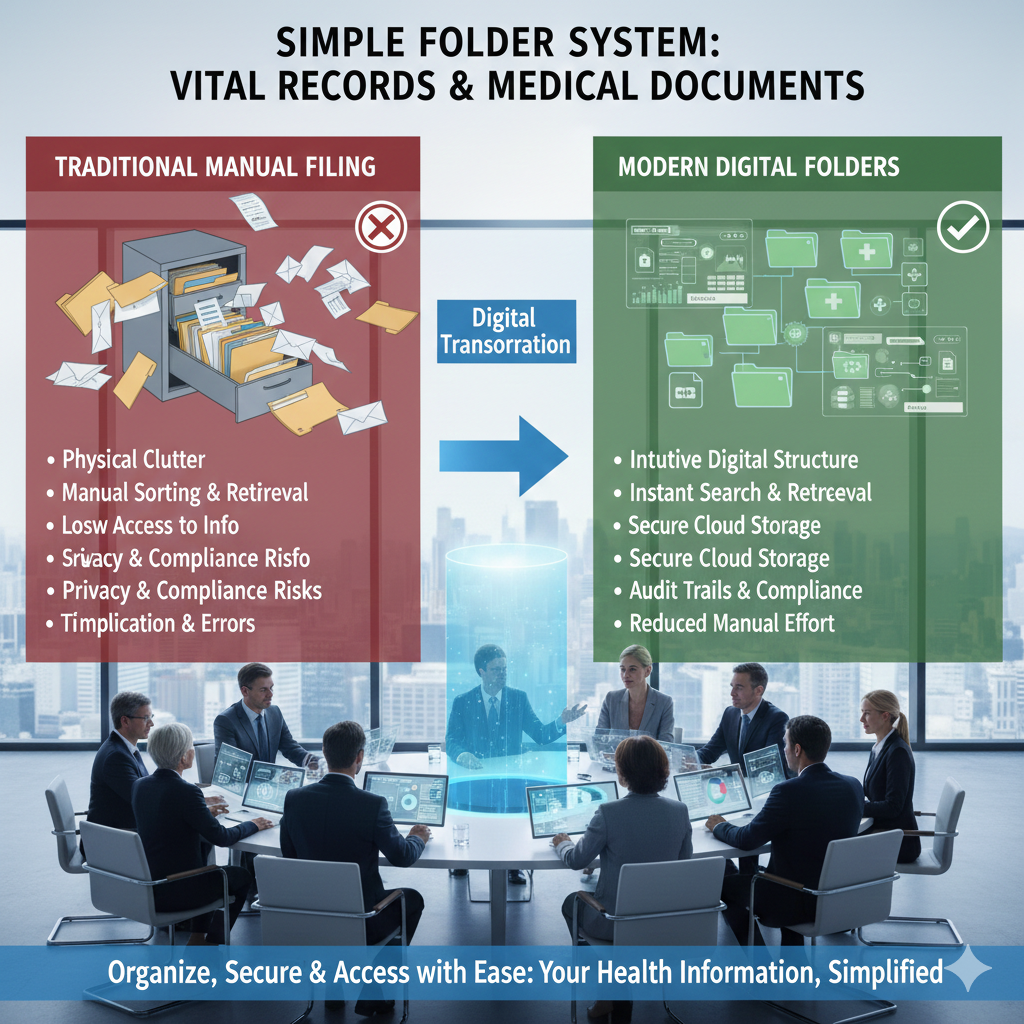
In today’s digital age, managing personal information securely and efficiently is more important than ever. From medical records to vital personal documents, having a well-organized system to store, retrieve, and protect this information is crucial. Personal Digital Archiving offers a simple and effective way to organize important documents, ensuring they are secure, easily accessible, and protected from loss or damage.
A Personal Digital Archiving system allows you to create a digital folder structure for storing vital records, medical documents, and other important files, ensuring that these documents are well-organized and easy to retrieve when needed. In this blog, we’ll explore how to create a simple folder system for organizing personal and medical documents and the advantages of using Personal Digital Archiving to ensure their long-term preservation.
Why Personal Digital Archiving Matters for Vital Records and Medical Documents
Vital records, such as birth certificates, social security cards, insurance information, and medical documents, are some of the most important pieces of information you’ll ever need to store. These documents are essential for identity verification, healthcare management, insurance claims, and legal matters, making their preservation a priority. However, managing these records digitally, especially as paper documents pile up, can become overwhelming if not organized properly.
Personal Digital Archiving offers an efficient and secure way to preserve these vital documents in an easily accessible format, eliminating the risk of losing important information due to physical damage or misplacement. Digital archiving systems allow you to store your documents safely, keeping them organized and making it easy to access them when needed whether for medical appointments, insurance claims, or legal purposes.
How to Create a Simple Folder System for Vital Records and Medical Documents
1. Organize by Categories and Subcategories
The key to a simple yet effective Personal Digital Archiving system is creating a folder structure that makes sense for your specific needs. For vital records and medical documents, consider organizing your files into categories and subcategories. A well-structured system will not only help you easily find documents but also allow you to add new files in a logical and consistent manner.
Here’s an example of how to organize your folders:
-
Vital Records
-
Birth Certificates
-
Marriage Certificates
-
Social Security Documents
-
Passport/ID Documents
-
Tax Documents (if applicable)
-
-
Medical Documents
-
General Health Records
-
Medical History
-
Prescription Information
-
Health Insurance Documents
-
Test Results (Lab, X-rays, etc.)
-
Vaccination Records
-
-
Insurance and Legal
-
Health Insurance Policies
-
Life Insurance Documents
-
Legal Agreements/Contracts
-
By creating a logical hierarchy and categorizing your files, you make it easier to find exactly what you need. For example, if you’re looking for a medical prescription or test result, you know exactly where to look within the "Medical Documents" folder.
2. Use Descriptive Filenames
Clear and consistent naming conventions are essential to an effective Personal Digital Archiving system. When naming your files, be specific about the document type and include relevant details such as dates or unique identifiers to make it easy to locate them later.
For example:
-
Birth Certificate: "John_Doe_Birth_Certificate_2022.pdf"
-
Health Insurance Card: "John_Doe_Health_Insurance_2023.pdf"
-
Lab Test Results: "John_Doe_Lab_Test_Results_2023_March.pdf"
-
Prescription: "John_Doe_Prescription_Amoxicillin_2023.pdf"
Using descriptive filenames ensures that documents are identifiable at a glance, even when they are stored in digital folders. It also helps when you’re searching for specific files using search terms.
3. Ensure Proper Backup and Redundancy
While Personal Digital Archiving allows you to organize and store important documents digitally, it’s crucial to ensure these records are protected from data loss. Using the 3-2-1 backup rule three copies of your data, two different storage devices, and one offsite or cloud-based backup will help protect your digital records in case of a system failure, accidental deletion, or hardware damage.
For example:
-
Primary Backup: Store your digital archive on an encrypted external hard drive.
-
Secondary Backup: Keep a copy on a USB drive or another external storage device.
-
Cloud Backup: Upload your documents to a secure cloud service that offers encryption and redundancy.
This redundant system ensures that your vital records and medical documents are safe, even if one backup fails or gets damaged.
4. Keep Documents Up to Date
A good Personal Digital Archiving system isn’t static. As your life changes whether through new medical diagnoses, insurance policy updates, or legal matters you need to regularly update your digital archive with the latest documents. Set aside time to periodically review your archive and add any new records that need to be stored.
For example, after a medical appointment or when receiving a new insurance card, update your digital archive to ensure it reflects the most current information. This proactive approach helps ensure your system stays relevant and useful.
5. Use Encryption and Secure Storage for Sensitive Documents
Many of your vital records and medical documents may contain sensitive personal information that requires extra protection. For added security, use encryption to protect files containing sensitive data. Encryption ensures that only authorized individuals can access the documents, even if your devices are lost or stolen.
-
Cloud services like Google Drive, OneDrive, or Dropbox offer encryption for your files, ensuring they remain secure.
-
External drives also have encryption options available, such as password protection and hardware-level encryption.
By encrypting sensitive files, you protect your personal data from unauthorized access and potential breaches.
Benefits of Personal Digital Archiving for Vital Records and Medical Documents
1. Improved Organization and Accessibility
Personal Digital Archiving helps you keep vital records and medical documents organized in a way that’s easy to manage and access. You no longer need to search through physical files or cluttered email inboxes to find the documents you need.
2. Increased Security
Digital archiving allows you to store sensitive documents securely, using encryption and backup strategies to ensure that your data remains safe from loss, theft, or damage. It also makes it easier to limit access to sensitive documents, offering peace of mind that your data is protected.
3. Faster Document Retrieval
With Personal Digital Archiving, you can quickly search and retrieve important documents using keywords or metadata. Whether you’re looking for a medical prescription, a recent test result, or a birth certificate, having documents stored in a digital archive allows for lightning-fast access whenever you need them.
4. Reduced Risk of Data Loss
With traditional paper-based filing systems, documents are vulnerable to being misplaced, damaged, or lost over time. Personal Digital Archiving protects documents by backing them up and storing them in a secure digital environment, ensuring they are never lost or damaged.
Conclusion
In today’s digital world, Personal Digital Archiving is an essential practice for managing and protecting vital records and medical documents. By organizing your documents into a logical folder structure, using descriptive filenames, ensuring secure backup, and keeping documents up to date, you create a system that is both secure and easy to navigate.
Adopting Personal Digital Archiving for your vital records and medical documents not only ensures that important information is preserved for the long term but also gives you peace of mind knowing that your data is organized, secure, and easily accessible. As we continue to generate more personal data, having a solid archiving system in place is more important than ever.

 English