
Why Inches to Pixels Conversion Matters More Than Most Designers Realize
Why Inches to Pixels Conversion Matters More Than Most Designers Realize
Most blurry prints and stretched web images are not design mistakes. They happen before the designer even touches the canvas — usually because the dimensions were set up wrong from the start. If you have ever sent something to print and winced when it came back soft and unclear, or uploaded a graphic that looked perfect on screen but fell apart on the website, this is almost certainly what went wrong.
The fix is not complicated. But you have to understand what is actually happening first.
Inches and Pixels Are Not the Same Kind of Thing
This sounds obvious but it catches people out constantly. An inch is a physical measurement — it means the same thing on a ruler, a piece of paper, a banner or a wall. It does not change.
A pixel has no fixed physical size. That is the part people miss. A pixel on an older laptop screen takes up more physical space than a pixel on a modern high-resolution display, even though software treats them identically. So when someone asks "how many pixels is three inches" — the honest answer is: it depends entirely on the resolution you are working at.
That is where PPI and DPI enter the picture. PPI is Pixels Per Inch, used for screens. DPI is Dots Per Inch, used for print. Both describe how tightly packed the pixels or dots are within each inch of space. Change that density and you change everything about how your output looks.
The Numbers That Actually Matter
Here is the practical side of it. The same inch measurement gives you completely different pixel counts depending on your resolution setting:
72 PPI is the old screen standard — one inch gives you 72 pixels. Still used as a baseline for basic digital display.
96 PPI is the current web standard — one inch gives you 96 pixels. This is what browsers and most operating systems default to.
150 PPI is where large format printing lives — banners, signage, posters. One inch gives you 150 pixels.
300 DPI is professional print quality — the standard for business cards, certificates, brochures and anything going to a commercial printer. One inch gives you 300 pixels.
600 DPI is high resolution print territory — fine art, detailed photography, premium output. One inch gives you 600 pixels.
To put that in real terms: a design that is five inches wide needs to be 480 pixels wide for web and 1500 pixels wide for print. Start with the wrong one and your entire canvas is built on the wrong foundation.
Where It Actually Goes Wrong
Designing for print at screen resolution means your printer does not have enough pixel information to produce a sharp result. The output looks soft — not because the design is bad, but because the resolution was never right for print in the first place.
Working at print resolution for web graphics goes the other way — your files end up far larger than they need to be, sometimes by a factor of ten, which slows down page loading without adding any visible quality benefit.
The other common scenario is a client sending dimensions in inches when your software works in pixels. If you guess the conversion or skip it entirely, your canvas ends up the wrong size and everything built on top of it is off.
Common Conversions Worth Knowing
Before you start any project it helps to know roughly where you are working. Here are the numbers for the two most common standards:
One inch is 96 pixels for web and 300 pixels for print. Two inches is 192 for web and 600 for print. Three inches is 288 for web and 900 for print. Five inches is 480 for web and 1500 for print. Eight and a half inches — standard letter width — is 816 for web and 2550 for print. Eleven inches is 1056 for web and 3300 for print.
These are the figures to have before you open the software, not halfway through building the layout.
The Quickest Way to Handle This
Doing mental math across five different resolution standards every time you switch projects is not realistic. A dedicated tool that handles it instantly is the practical answer.
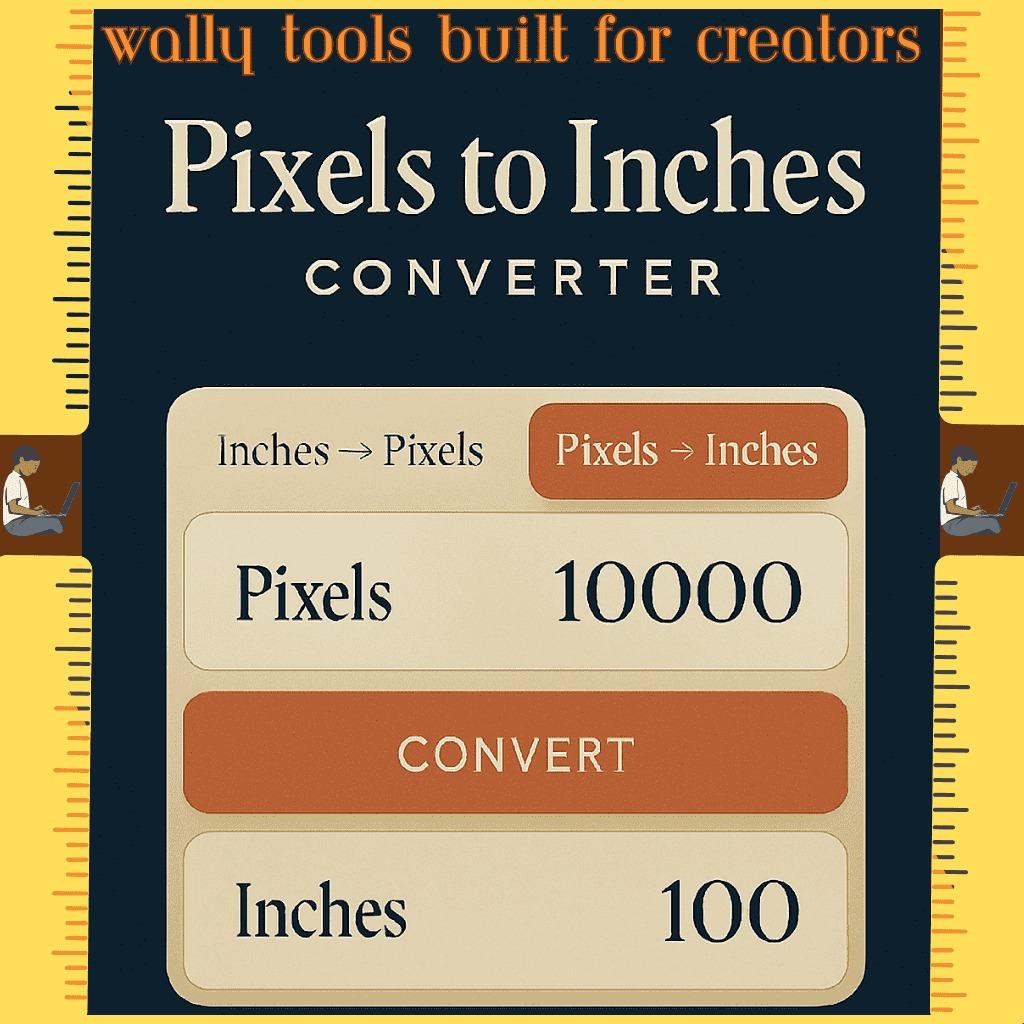
The Inches to Pixels Converter from Wally Editing Service covers all five PPI and DPI presets in one place — 72, 96, 150, 300 and 600 — plus a custom input if your project needs something specific. Type your inch value, pick your resolution, and the pixel result appears immediately alongside the formula so you can see exactly how the number was reached rather than just trusting it blindly.
It also runs in reverse — enter pixels and get inches back — which comes up more often than you would expect when a client sends pixel dimensions and you need to know the physical print size. Live conversion updates as you type, there is a built-in reference chart, and one click copies the result to your clipboard. No account, no install, works on any device including mobile.
Making It a Habit
The people who rarely run into resolution problems have not necessarily been doing this longer than you. They just check their dimensions before they start rather than after something goes wrong.
Thirty seconds before opening your design software — confirm the resolution your output needs, convert your measurements, set the canvas correctly. Everything built on that foundation will be right. Everything built without it is a guess.
Resolution conversion is not advanced knowledge. It is just foundational. Graphic designers, developers, photographers, students, anyone putting together documents or presentations — getting this right from the start is what separates clean professional output from work that needs to be redone.

 English